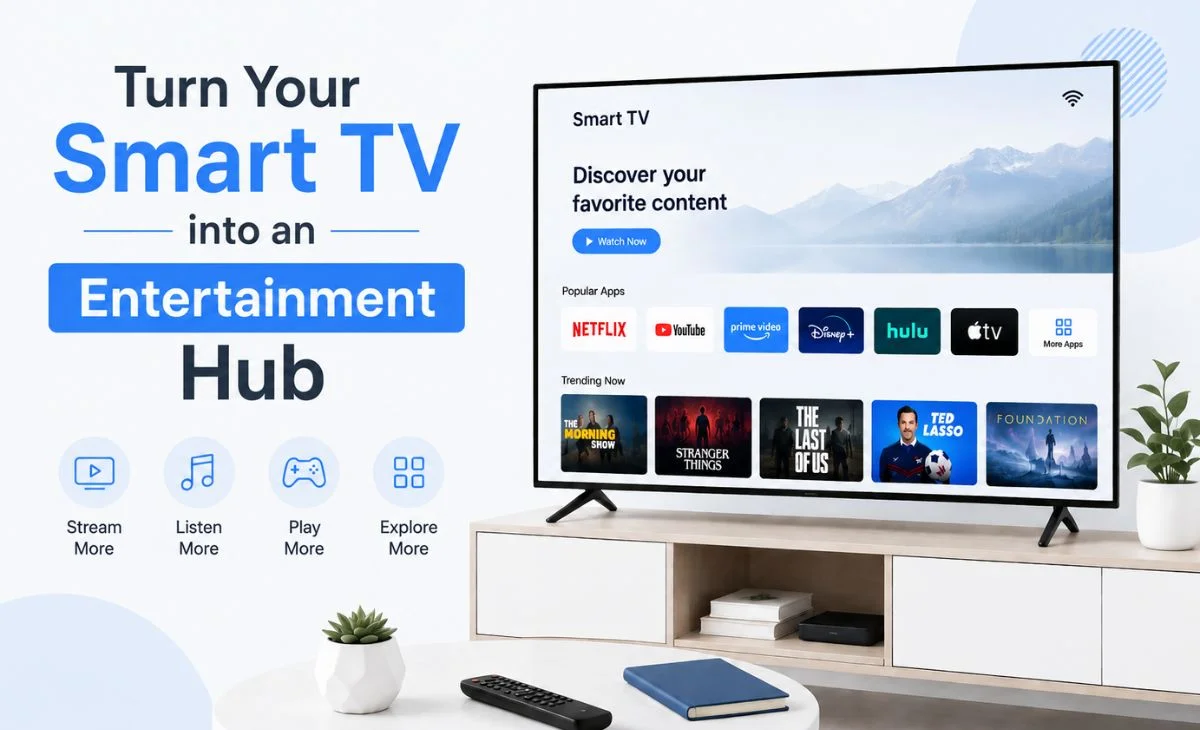
Turn Your Smart TV into an Entertainment Hub
Smart TVs have changed the way people consume entertainment at home. Instead of relying only on traditional cable services, viewers can now use their television to watch movies, live TV, online videos, and other digital content from a single screen. With the right setup, your Smart TV can become a complete entertainment hub for the entire household.
The good news is that you don’t necessarily need expensive equipment to create a better entertainment setup. A reliable internet connection, a compatible Smart TV, and the right applications can provide everything you need for an enjoyable viewing experience.
Start With a Reliable Internet Connection
The foundation of any modern Smart TV setup is a stable internet connection. Even the best television can struggle with streaming if the connection is slow or inconsistent.
For HD and high-quality video, a strong Wi-Fi connection is recommended. If your router is far away from the television, consider moving it closer or using a Wi-Fi extender. For the most stable performance, connecting the TV directly to the router through an Ethernet cable can also be helpful.
Before installing entertainment applications, test your internet connection and make sure other devices are not consuming excessive bandwidth while you are streaming.
Organize Your Entertainment Applications
A Smart TV can support many different applications, but installing too many apps can make navigation confusing. Start by identifying the types of entertainment you use most often, such as movies, live television, sports, news, or music.
Organizing your frequently used applications on the home screen makes it easier to find your favorite content without scrolling through multiple menus.
If you’re exploring Android-based entertainment options, you can also research applications such as the smart play apk to learn about compatibility, installation instructions, and available features.
Always download applications from a reliable source and check that the version is compatible with your device before installation.
Make Better Use of Your Smart TV’s Features
Many Smart TV owners only use basic streaming features and overlook other useful functions. Depending on your television model, you may be able to connect smartphones, tablets, Bluetooth headphones, gaming controllers, sound systems, and other accessories.
Screen mirroring is particularly useful when you want to display photos, videos, or other content from your smartphone on a larger screen.
You can also connect a wireless keyboard or mouse to some Smart TVs, making it easier to search for content and navigate certain applications.
Keep Your Smart TV Updated
Software updates are important for maintaining your television’s performance and compatibility. Manufacturers regularly release updates that can fix bugs, improve security, and add support for newer features.
Check your TV’s settings periodically for available firmware updates. You should also keep your installed applications updated whenever newer versions become available.
Using current software can reduce compatibility problems and help applications run more smoothly.
Create Profiles for Different Family Members
If several people use the same television, organizing the viewing experience around individual preferences can make things much easier.
Many streaming services allow users to create separate profiles. This helps keep recommendations, watchlists, and viewing histories separate.
For households with children, parental controls can also provide additional control over the type of content that can be accessed.
Use a Smart Remote or Voice Controls
Searching for movies or programs with a traditional remote can sometimes be frustrating. If your television supports voice commands, take advantage of them to search for content, open applications, adjust settings, or control playback.
Some Smart TVs can also be controlled using a smartphone application, giving you another option when the physical remote is unavailable.
Explore Reliable Entertainment Resources
When setting up an Android-based Smart TV, it is useful to research applications before installing them. Look for information about supported devices, installation steps, updates, and troubleshooting.
The smart play full apk website can be used as a resource for users researching the application and looking for information about installation and supported devices.
As with any third-party application, users should verify the source before downloading an APK and avoid suspicious websites or modified files.
Conclusion
Turning a Smart TV into a complete entertainment hub does not have to be complicated. Start with a reliable internet connection, organize your applications, improve your audio setup, and take advantage of features such as screen mirroring and voice controls.
Most importantly, keep your television and applications updated and use trustworthy sources when installing additional software. With a little organization and the right combination of tools, your Smart TV can become the central entertainment system for movies, live television, music, and much more.