How to Download Academia.edu Papers as PDF: A Simple Guide
You searched for a research paper, and Academia.edu had exactly what you needed. Then it asked you to sign up, or log in, or “join for free” just to see the download button. If you only need one paper, creating an account feels like a lot of extra work for a single PDF.
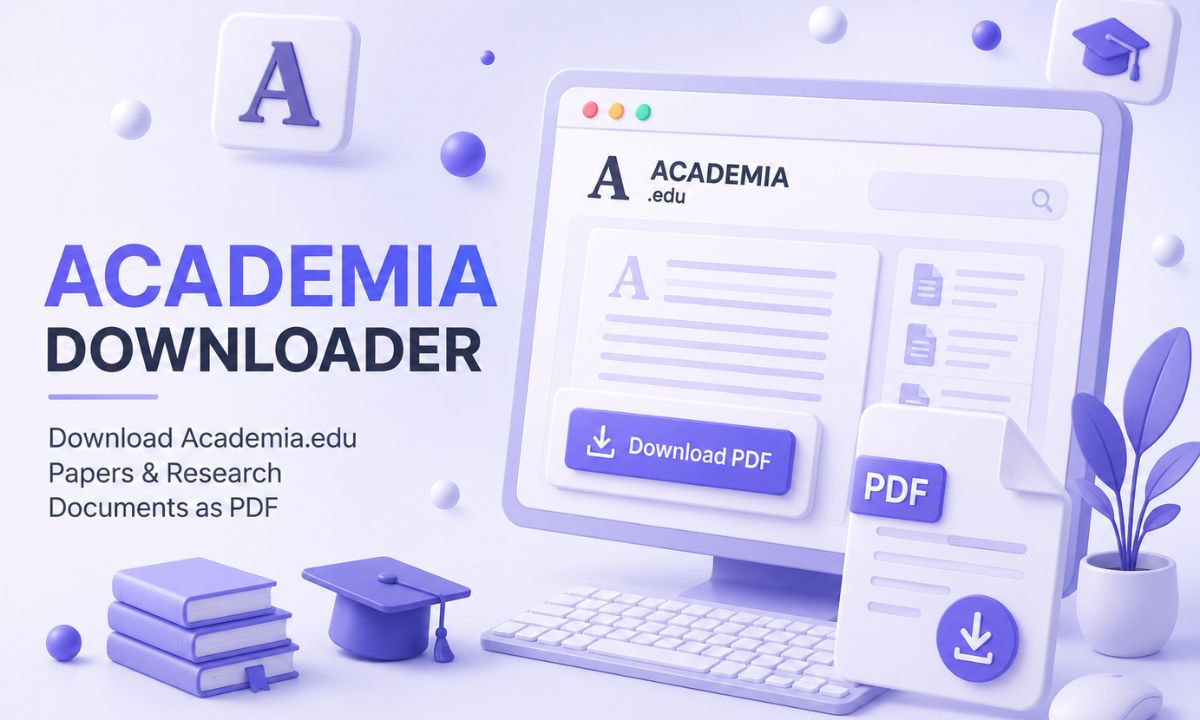
Selfdownloader built a free tool that skips that step entirely. This guide shows you how to use it.
Why Academia.edu Makes Downloading Difficult
Academia.edu is a network for researchers and academics to share their work, and it is built around signed-in accounts. Many papers are visible to anyone, but downloading often sits behind a login wall, or behind a “request access” button that depends on the author’s approval. If you just need to read one paper for a class or a citation, that process can take longer than it should.
An academia downloader solves this by reading the public page of the paper and pulling the file directly, so you never have to create an account or wait for anyone’s approval.
What You Need Before You Start
Just the link to the paper’s page on Academia.edu. You can copy it straight from your browser’s address bar while viewing the paper. It will look something like this:
https://www.academia.edu/12345678/Paper_Title_HereThe paper needs to be publicly viewable. If the author has restricted it entirely, no external tool can open what the author has locked.
Step 1: Choose Your Language
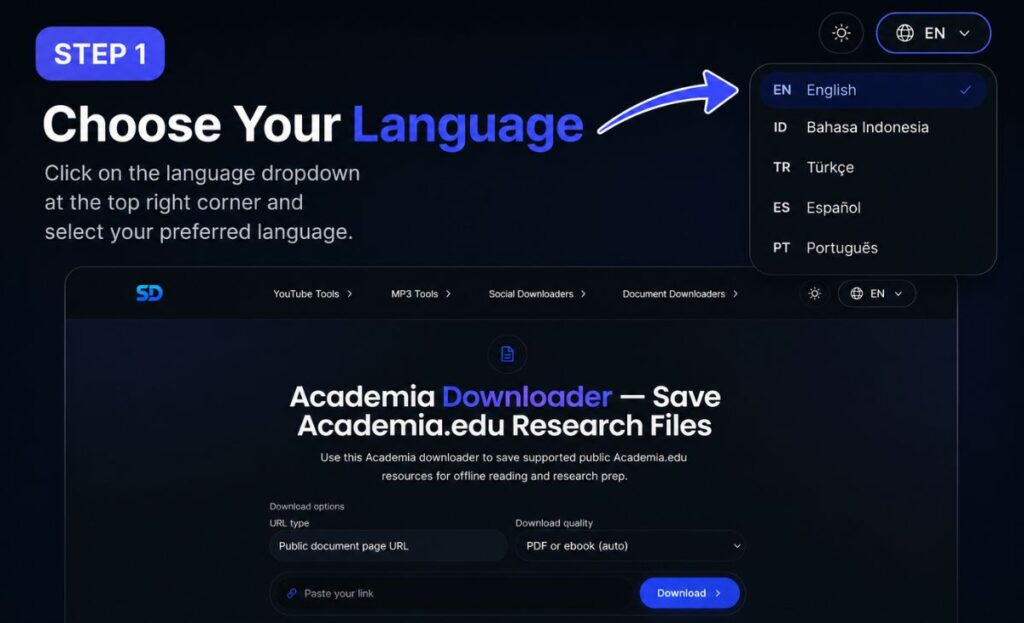
Open the Academia Downloader on Selfdownloader. In the top right, click the language dropdown and pick the one you read best in — English, Bahasa Indonesia, Türkçe, Español, or Português. If you searched for “descargar academia edu pdf,” the Spanish option will make the rest of the page easier to follow.
Step 2: Open the Academia Downloader
From the main menu, hover over Document Downloaders and choose Academia Downloader from the dropdown. You will see other tools in the same menu too, including downloaders for Studocu, Scribd, SlideShare, and Issuu, in case you ever need those as well.
Above the link box, you will find two settings:
- URL type — keep this on “Public document page URL” unless your link is a different format.
- Download quality — “PDF or ebook (auto)” is the right choice for almost every paper. The tool selects the best version on its own.
Step 3: Paste the Link and Download
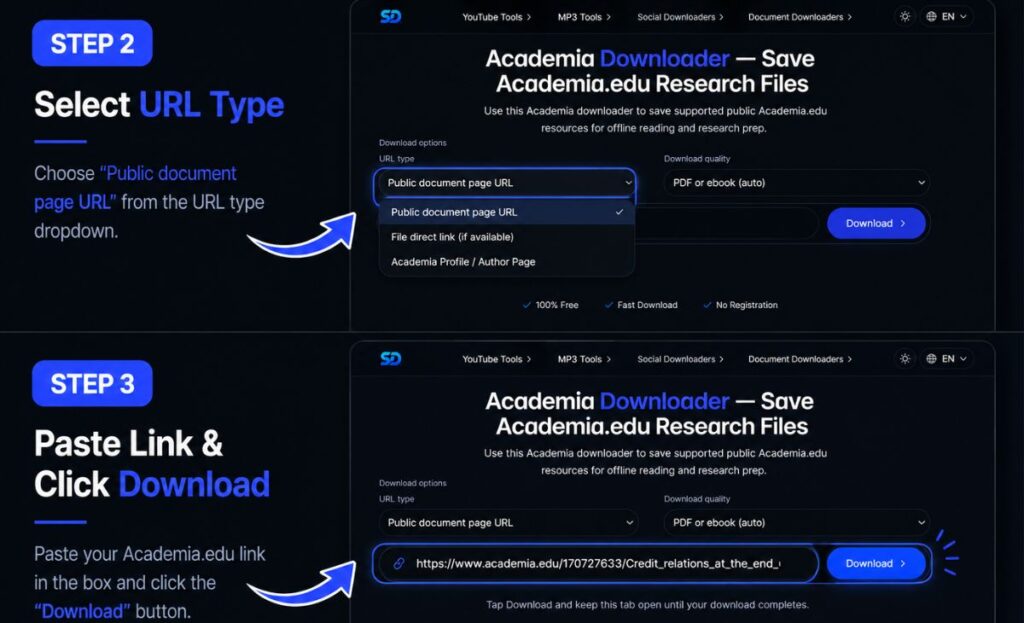
Copy the paper’s link from Academia.edu, paste it into the box, and click Download.
Do not close the tab while it works. The tool needs to fetch the paper and build it into a proper PDF file, and this usually takes between 10 and 120 seconds depending on the paper’s length. When it finishes, your browser will redirect you to a page where the file is ready to save. From there, it is one click.
A Few Tips Before You Download
- Confirm the paper is public. If the author restricted access, the download will fail immediately. That is expected — it means no tool can bypass the author’s setting.
- Longer papers take a little more time. A 40-page thesis will process slower than a 5-page article. This is normal, not a sign of a problem.
- Stay connected until it finishes. The tool is working in the background, so a dropped connection partway through can interrupt the process. Just paste the link again if that happens.
- There is no cost. This is a free academia downloader — no account, no payment, no browser extension required.
Frequently Asked Questions
Is there a free way to download from Academia.edu without signing up?
Yes. The steps above are the entire process, and there is no fee at any point. Paste the link, wait for the file to build, and download it.
Can I use this academia.edu downloader on my phone?
Yes, it works in any mobile browser. The steps are identical — open the tool, paste the link, and download once the file is ready.
Why did my download fail?
The two most common reasons are a paper that requires the author’s direct approval to access, or a connection that dropped while the file was being built. Double-check the link is correct and try again.
Does this work for every paper on Academia.edu?
It works for any paper the author has made publicly viewable. If access is restricted to approved requests only, that restriction comes from the author, and no downloader can override it.
Get Your PDF in Minutes
You do not need an account to read one paper. Pick your language, open the Academia Downloader, paste your link, and let it build the file. In under two minutes, you will have your own PDF copy saved and ready to cite.